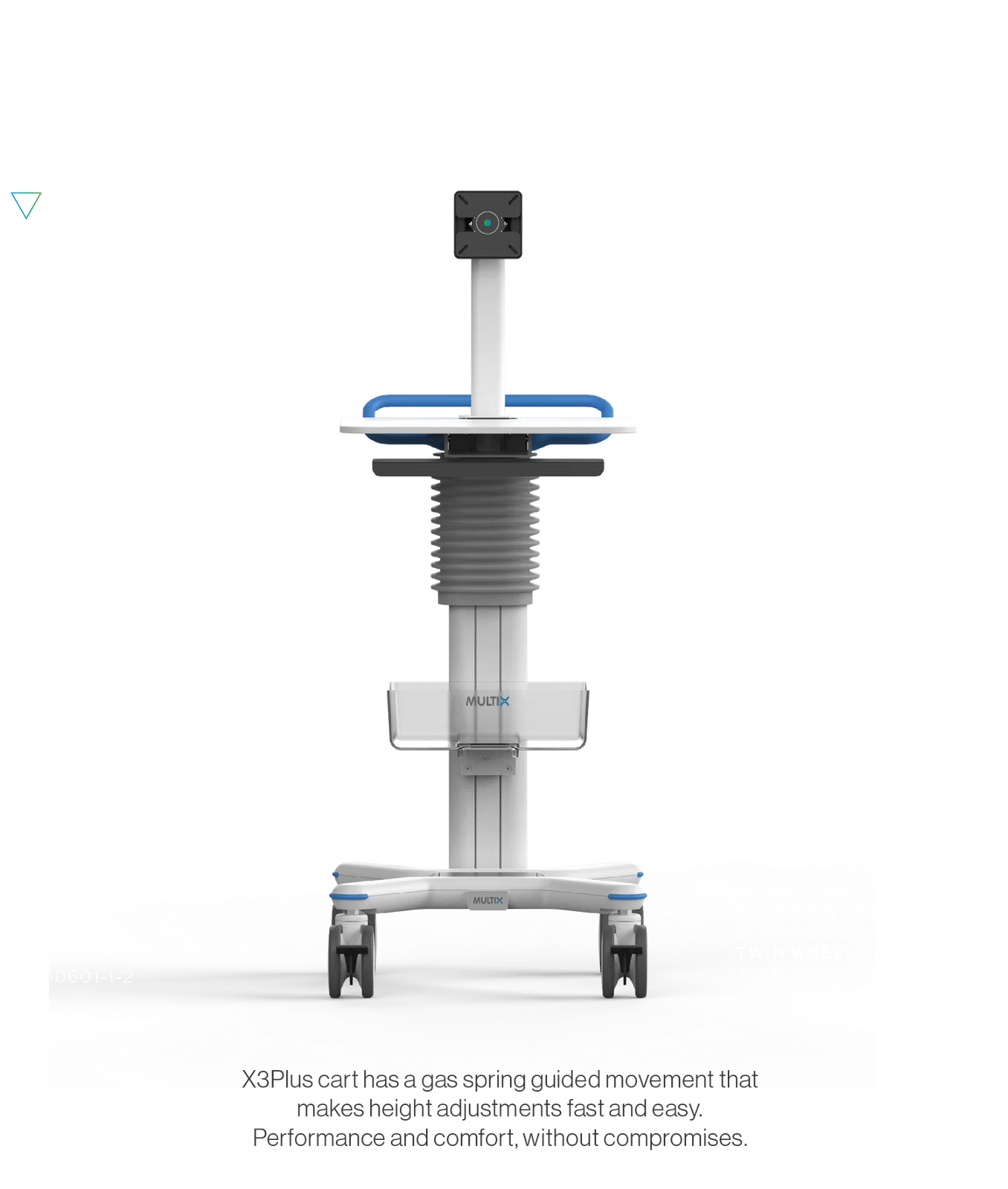
Integrated cable management
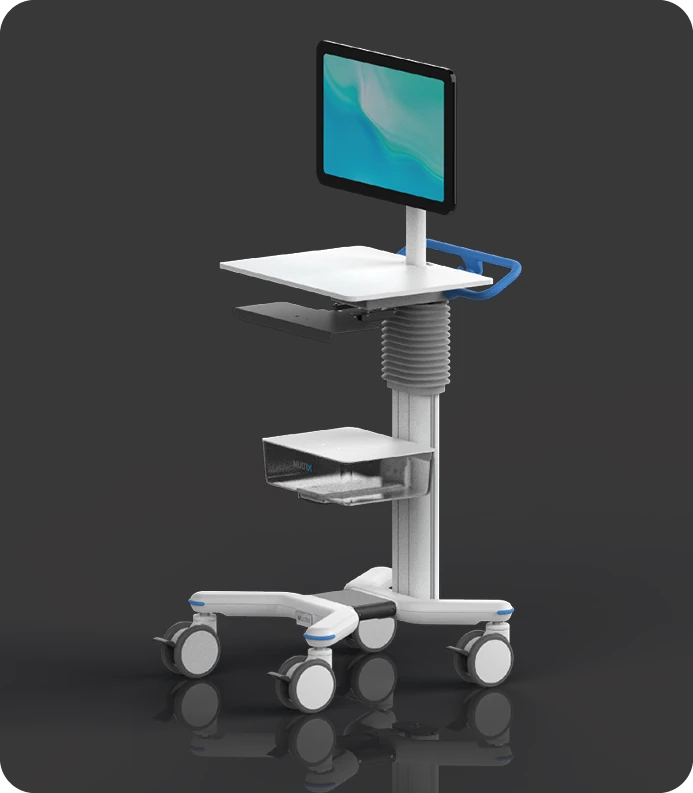
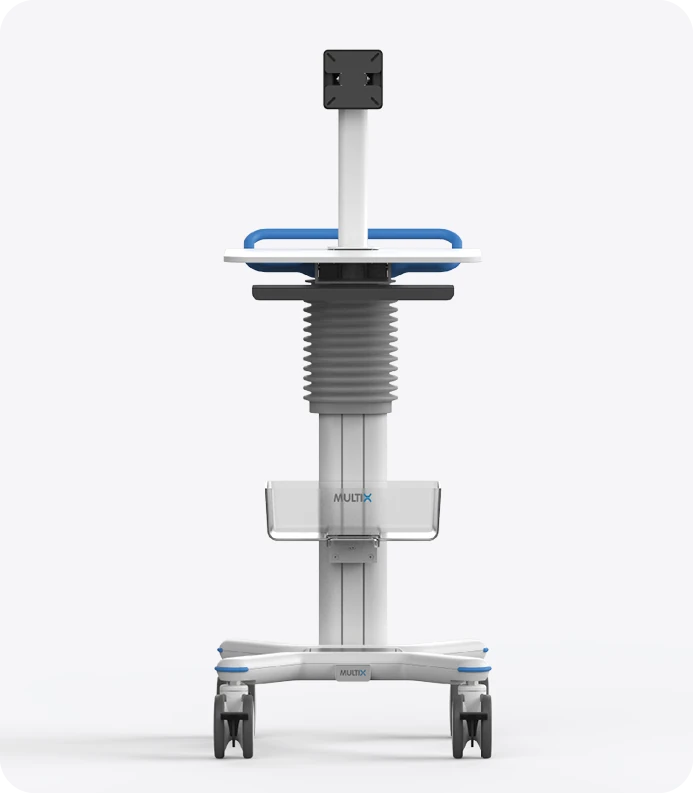
The bellows enclosure helps keep cables organized within the workstation.
Manufacturer / partner: Multix
Model / part numbers X3P
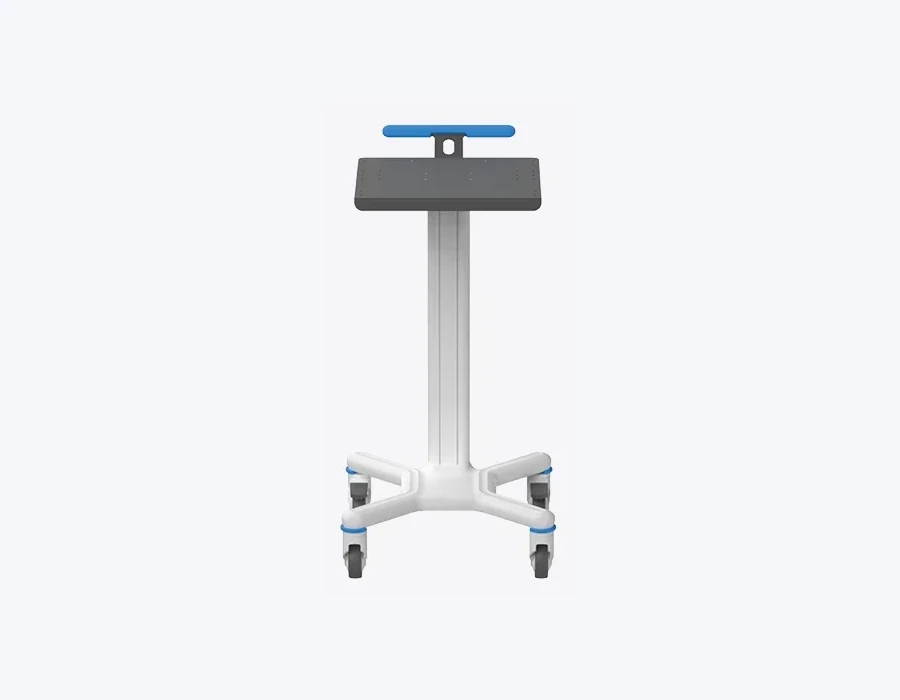
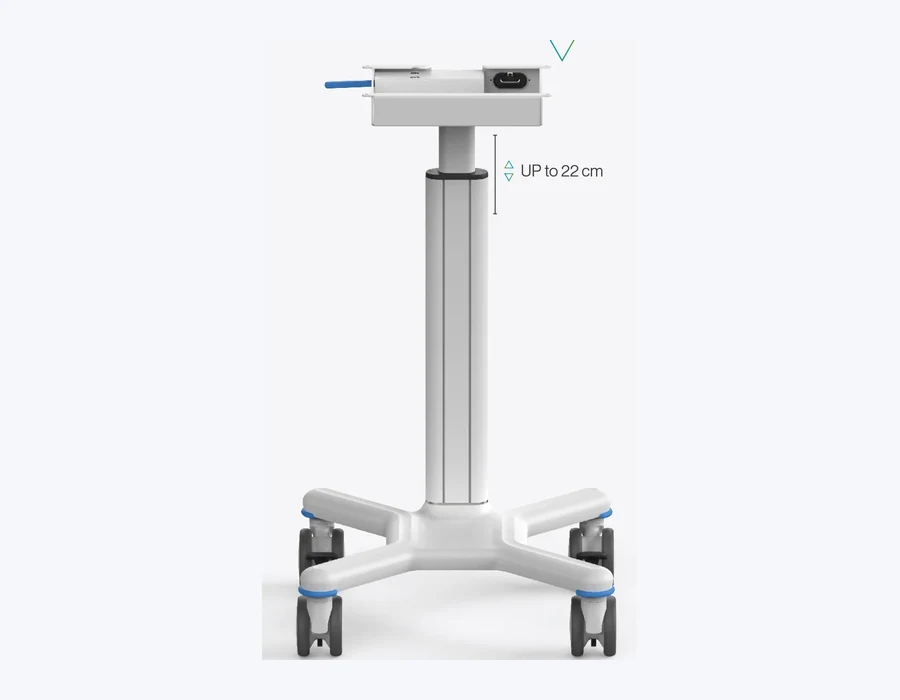
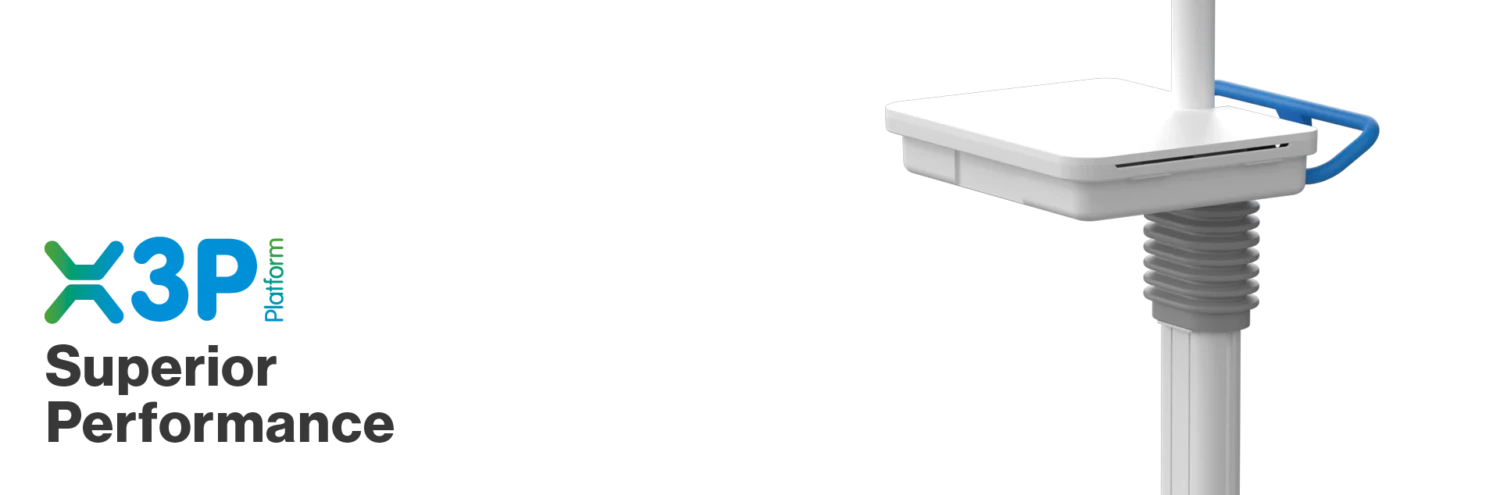
The X3P platform combines assisted height adjustment with enclosed cable management and a configurable console.
Information for professional users. Confirm the final configuration, accessory compatibility and specifications against current manufacturer documentation.
A concise overview of product capabilities and selection context.
The bellows enclosure helps keep cables organized within the workstation.
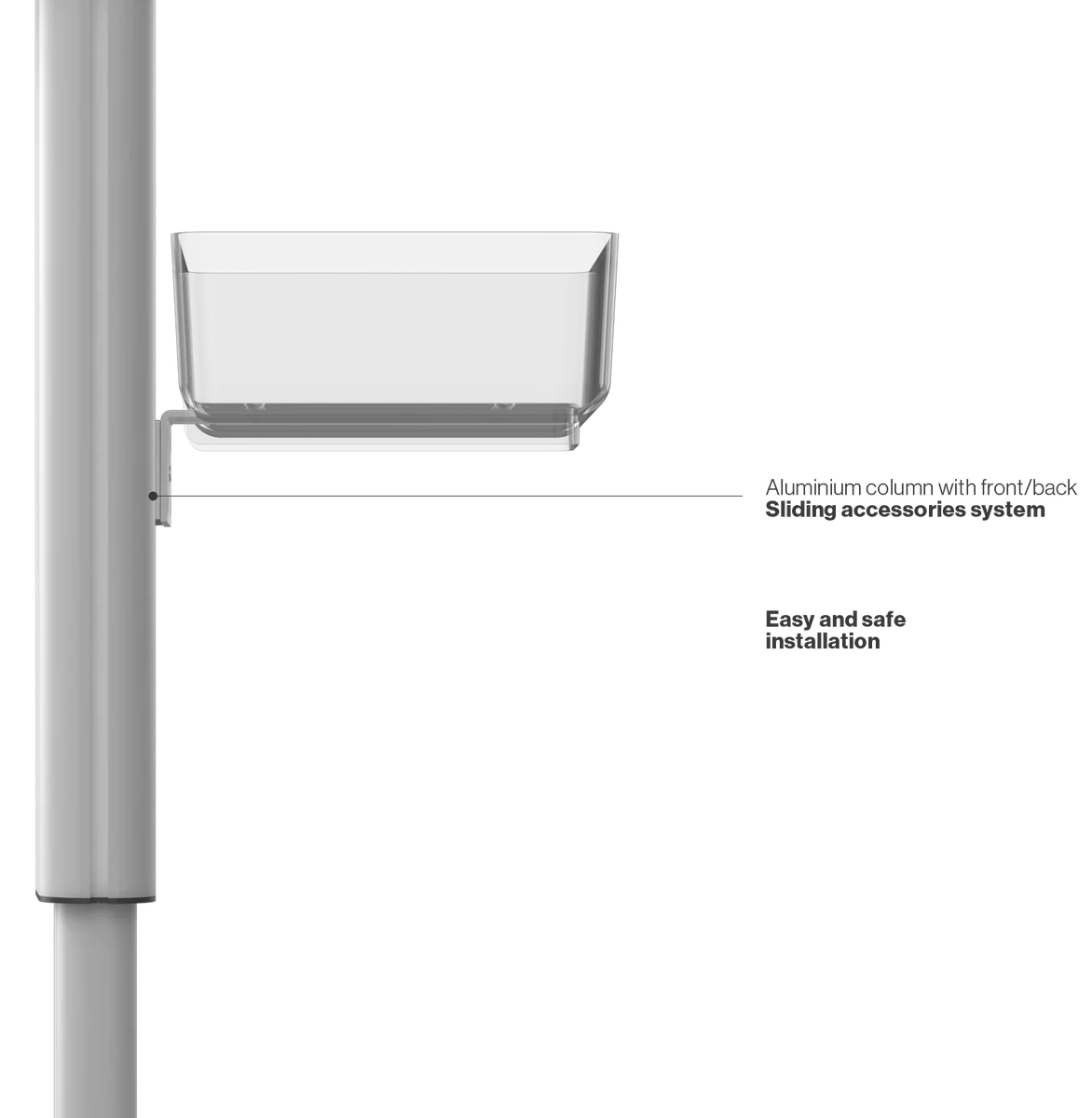
The console, monitor, shelves and accessories can be selected for the intended application.
Source-based details shown alongside original manufacturer visuals.
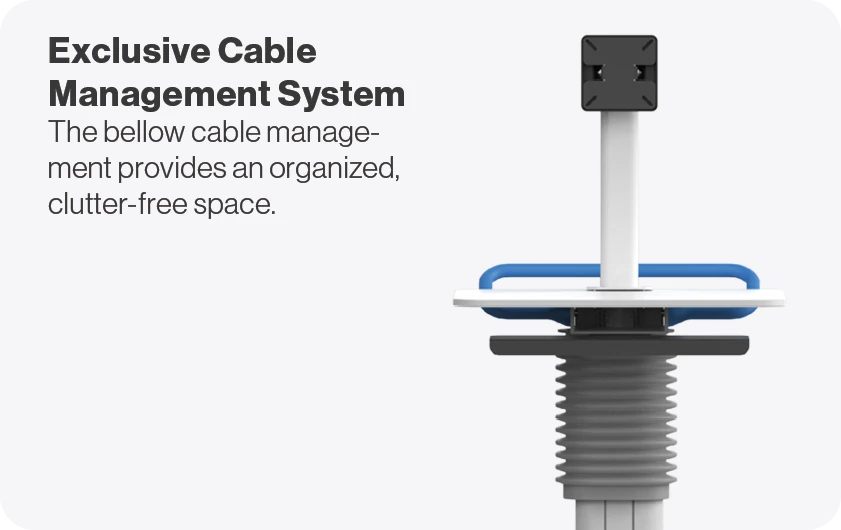
The bellows enclosure helps keep cables organized within the workstation.
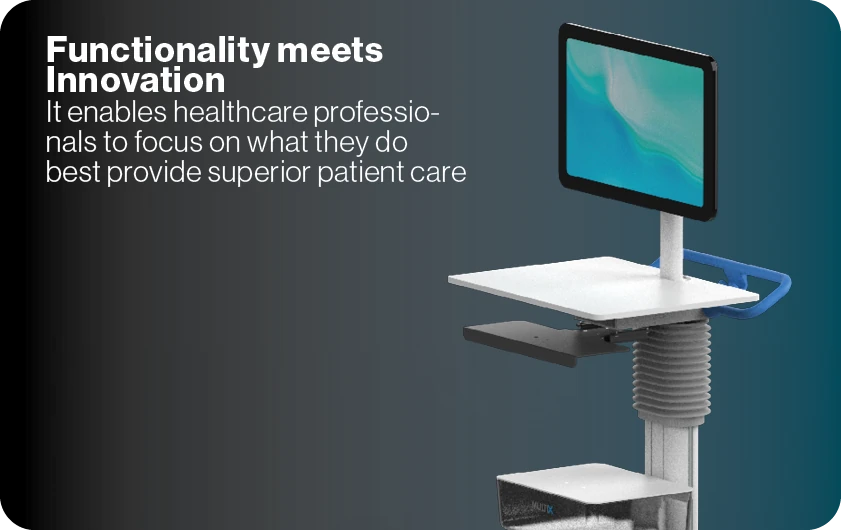
The console, monitor, shelves and accessories can be selected for the intended application.
Typical use cases and facility contexts for product evaluation.
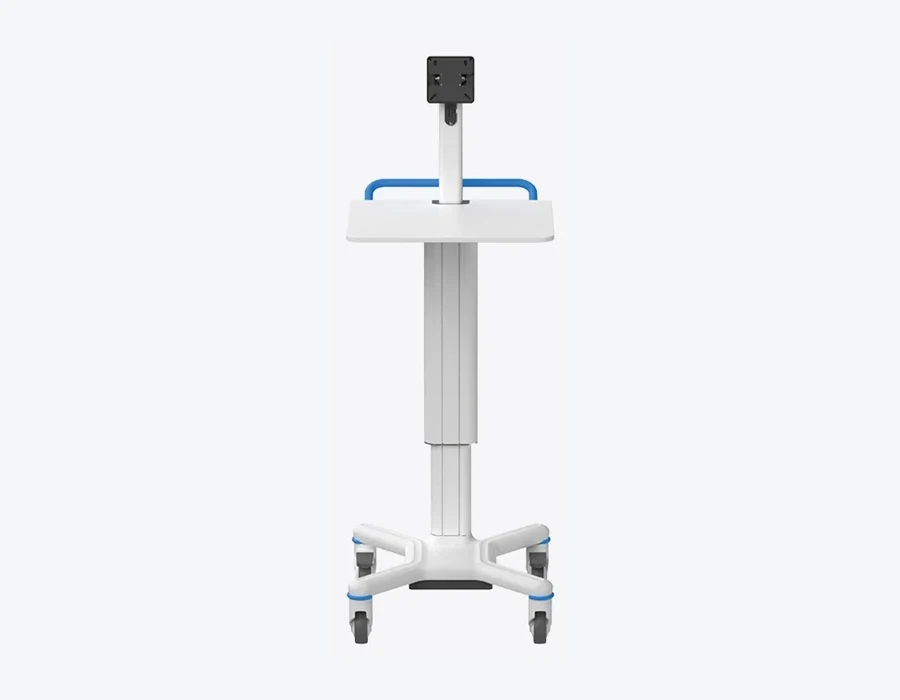
Monitor, panel-PC and notebook configurations.
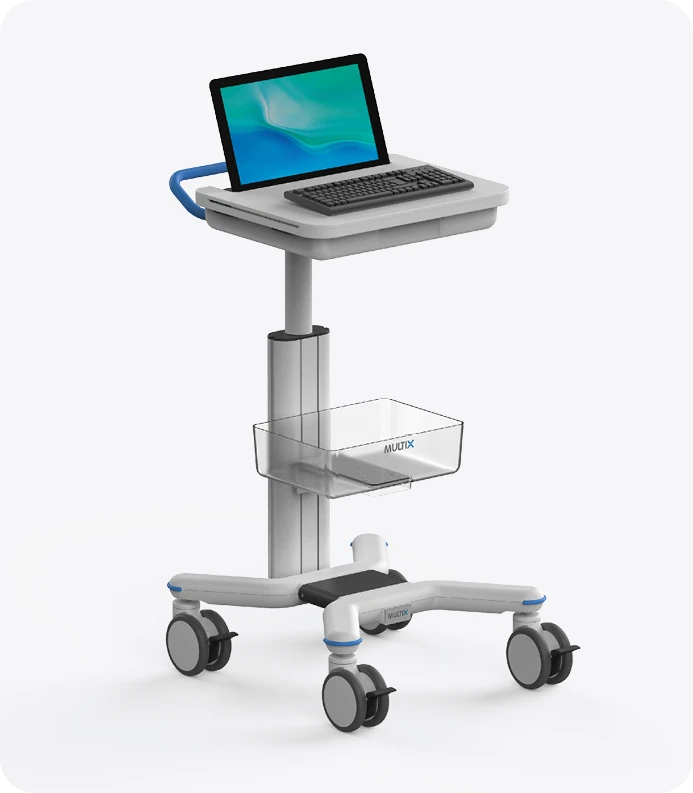
A mobile workstation with shelves, basket and height adjustment.
Key technology and workflow notes for professional product comparison.
The mechanism guides adjustment and supports ergonomic workstation height.
A flexible bellows separates cable routing from the working area.
Spring-assisted column movement; the range depends on the selected console and configuration.
Enclosed cable space within the column and console area.
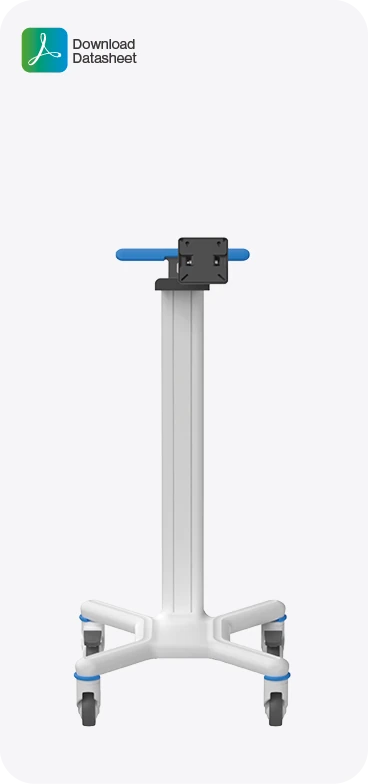
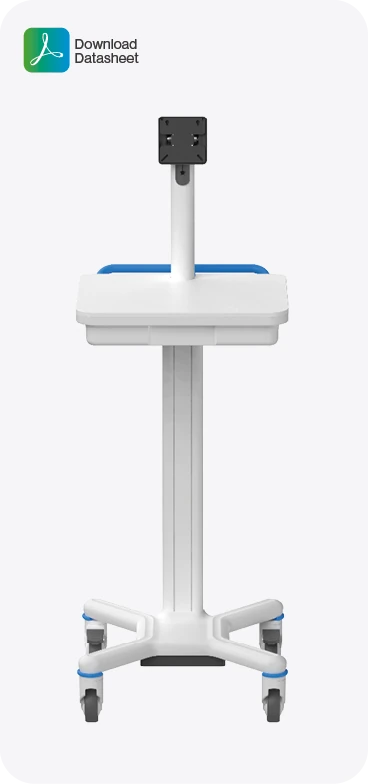
More views of the configuration and positioning details, prepared from local product assets.
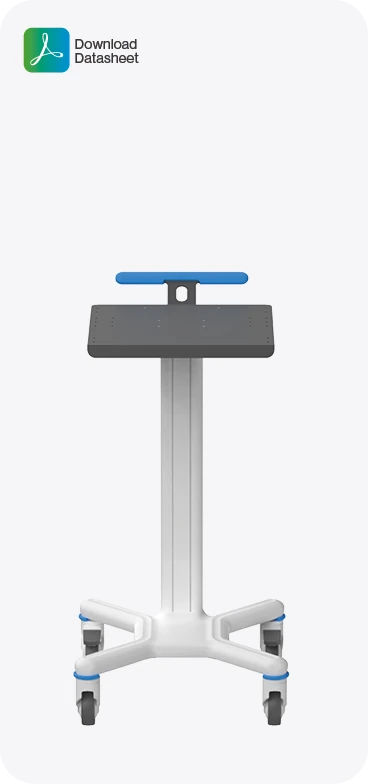
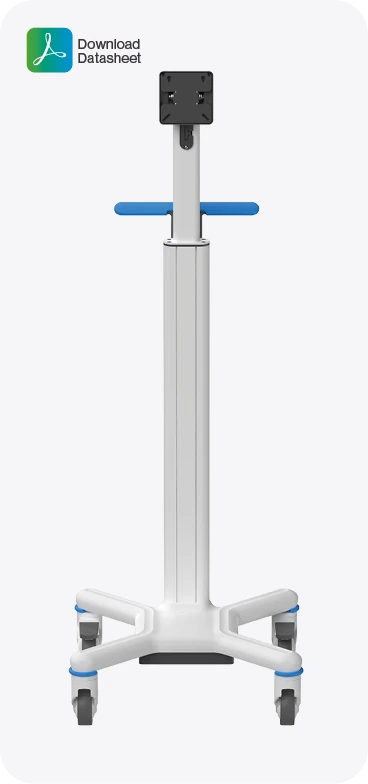
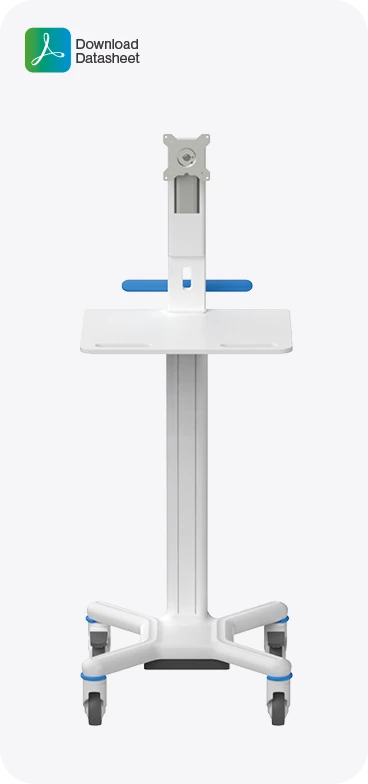
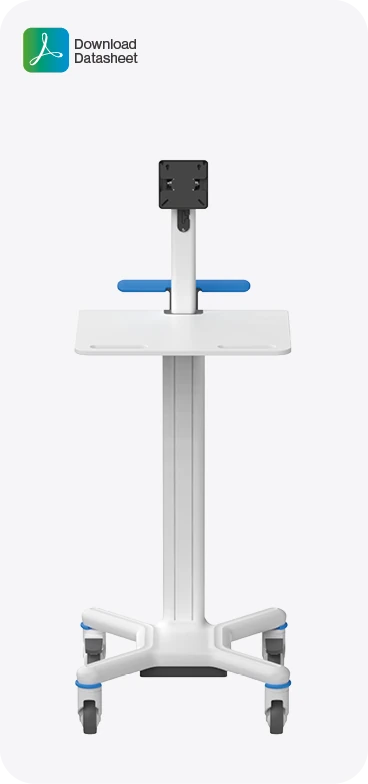
Documents open on the manufacturer website and may be updated independently.
Browse console, column and base accessories with source-based compatibility filters.
View accessoriesContinue through the same product area or ask Investmed about a related configuration.
A compact and robust medical cart platform for organizing a monitor, panel PC and essential equipment at the point of work.
View productAn ergonomic and agile platform with smooth vertical work-surface adjustment for computer configurations and mobile documentation workstations.
View productA tall ergonomic X1T platform with a broad vertical adjustment range for endoscopy, computer and multi-monitor workstations.
View product